Step-by-step
Google Reviews
The fastest way to collect star ratings that show up right next to your business in Google Search and Maps.
- 1
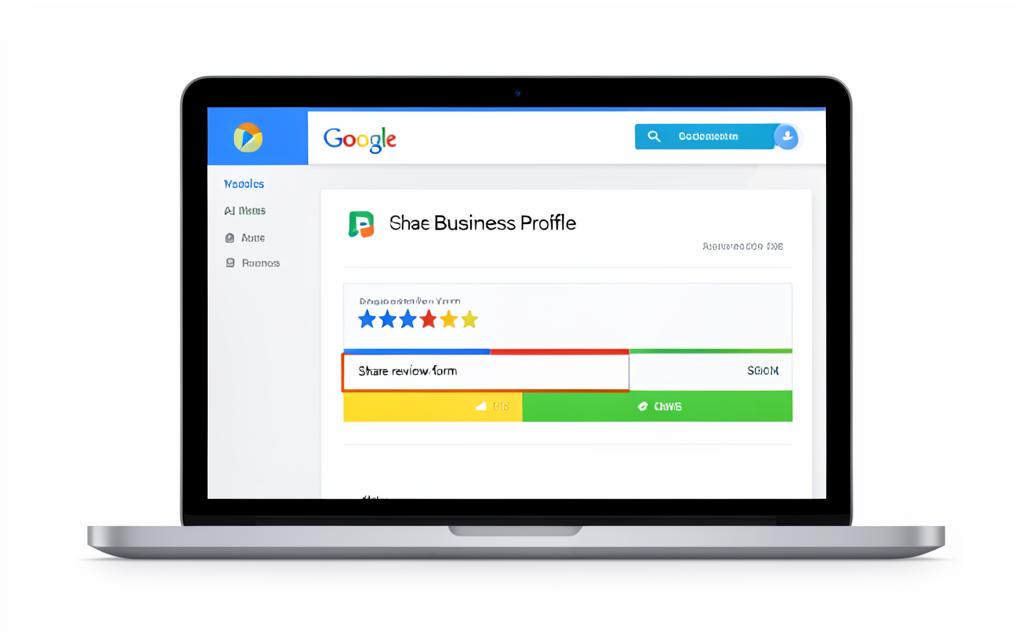
Sign in to your Google Business Profile at business.google.com with the account that manages your listing.
- 2
Open your business, then look on the Home tab for the “Get more reviews” panel.
- 3
Click “Share review form” — Google generates a short link such as g.page/r/…
- 4
Click the link to copy it, then paste it into your order email or our contact form.
No Business Profile yet? Search your business name in Google Maps, tap Share, then Copy link — we can work from that too.